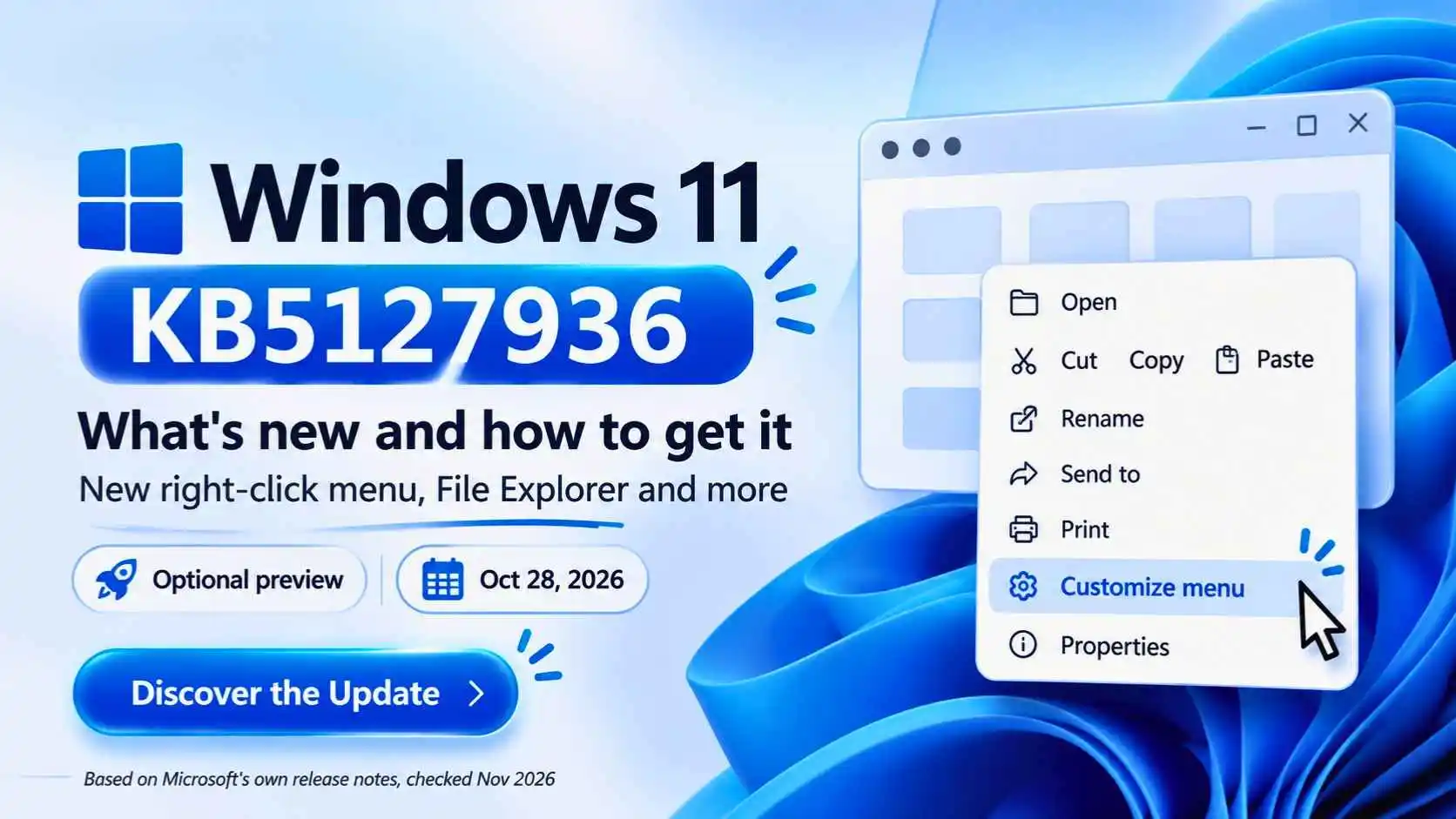
KB5127936 is a cumulative preview update for Windows 11 versions 25H2 and 26H2 (builds 26200.9818 and 26300.9818), released on October 28, 2026. Some news sites call it the "November 2026 update". The details below come from Microsoft's own release notes and Windows blog, checked on November 3, 2026. Features roll out in stages, so you may not see everything yet.
The short answer
- What is it? An optional, non-security preview update with "production-quality improvements", according to Microsoft
- Who gets it? Windows 11 versions 25H2 and 26H2
- Best feature: a faster, customizable right-click menu in File Explorer
- Do I have to install it? No, it is optional. Microsoft's regular monthly updates continue to install
- Why don't I see the changes? Microsoft says features roll out gradually, so availability varies by device
What Is Windows 11 KB5127936?
KB5127936 is an update package, not a new version of Windows. Microsoft labels it a preview, which means it is optional and released before the regular monthly update. It includes fixes and new features that Microsoft is rolling out in phases.
What's New in KB5127936?
Customizable right-click menu
File Explorer's context menu is faster and less cluttered. A Customize menu option lets you toggle built-in commands like Send to and add commands like Print.
Cleaner File Explorer search
Search results show the name, location and date in a consistent layout.
Address bar shortcut
You can type the ~ symbol in the File Explorer address bar to jump to your user profile folder.
Privacy page in Settings
Under Privacy & security, the Camera, Microphone and Location controls are grouped together, with usage info on the main page.
Microsoft's notes also list a redesigned AutoPlay dialog for phones, cameras and drives (with dark mode and notifications), dark mode for the Folder Options dialog, and a refreshed Xbox mode task view. A Device Info card in Settings is also expanding to more markets for people signed in with a Microsoft account.
How to Get the Windows 11 KB5127936 Update
- Check your version first. Press Windows + R, type winver and press Enter. You need Windows 11 25H2 or 26H2
- Open Settings and go to Windows Update
- Turn on Get the latest updates as soon as they're available, which Windows Central says can bring the update sooner
- Select Check for updates and install the update when it appears
- Restart your PC when Windows asks
Some preview updates appear under optional updates, depending on your setup. If you do not see it, your device may not be offered it yet.
Should You Install a Preview Update?
It is optional. Microsoft describes it as a non-security update, and the same changes are normally included later in a regular monthly update. If you want the new menu early, install it. If you want the most stable setup, wait for the regular update. Before any update, back up your important files.
Other New Windows 11 Features Microsoft Announced
Microsoft's Windows blog (October 15, 2026) also describes other improvements, with different rollout timing. Here are a few of them:
- Performance: Microsoft says Windows is up to 20% more responsive in areas such as Start, File Explorer and Search, and that Widgets no longer load until opened
- Phone and PC: Phone Link can show messages and notifications from an Android phone or iPhone in Start
- Search actions: a new taskbar search with Actions is available to Windows Insiders first, with a broader rollout planned later this year
- Accessibility: new Screen Tint and Magnifier options, opened with Windows + U
Why Don't I See the New Features?
- Gradual rollout: Microsoft says features arrive in phases, so wait a few days
- Wrong version: run winver and check that you have 25H2 or 26H2
- Update not installed: check Windows Update again after a restart
- Managed PC: a work or school PC may block preview updates
Keep Exploring
More Windows help: our guide to the Gemini app for Windows, how to install HEVC on Windows 11, and how to fix internet and network issues on Windows.
Frequently Asked Questions
What is KB5127936?
KB5127936 is an optional Windows 11 preview update released on October 28, 2026, for versions 25H2 and 26H2. It includes new features, such as a customizable File Explorer right-click menu, and fixes.
How do I get the Windows 11 KB5127936 update?
Check that you have Windows 11 25H2 or 26H2, then open Settings, go to Windows Update, turn on "Get the latest updates as soon as they're available" and select Check for updates. Features roll out in phases, so you may have to wait.
Is KB5127936 a security update?
No. Microsoft describes it as a non-security preview update. Regular monthly security updates continue to install.
Do I have to install KB5127936?
No, it is optional. If you do not install it, the changes normally arrive later in a regular monthly update.
How do I customize the Windows 11 right-click menu?
In File Explorer, right-click a file and choose Customize menu, if it appears. You can turn built-in commands like Send to on or off, add commands like Print, and choose how app extensions appear.
Why don't I see the new right-click menu?
Microsoft says features roll out gradually, so availability varies by device. Check that you have version 25H2 or 26H2, install the update, restart and check again in a few days.
What does the "~" shortcut do in File Explorer?
According to Microsoft's release notes, typing the tilde symbol in the File Explorer address bar takes you to your user profile folder.