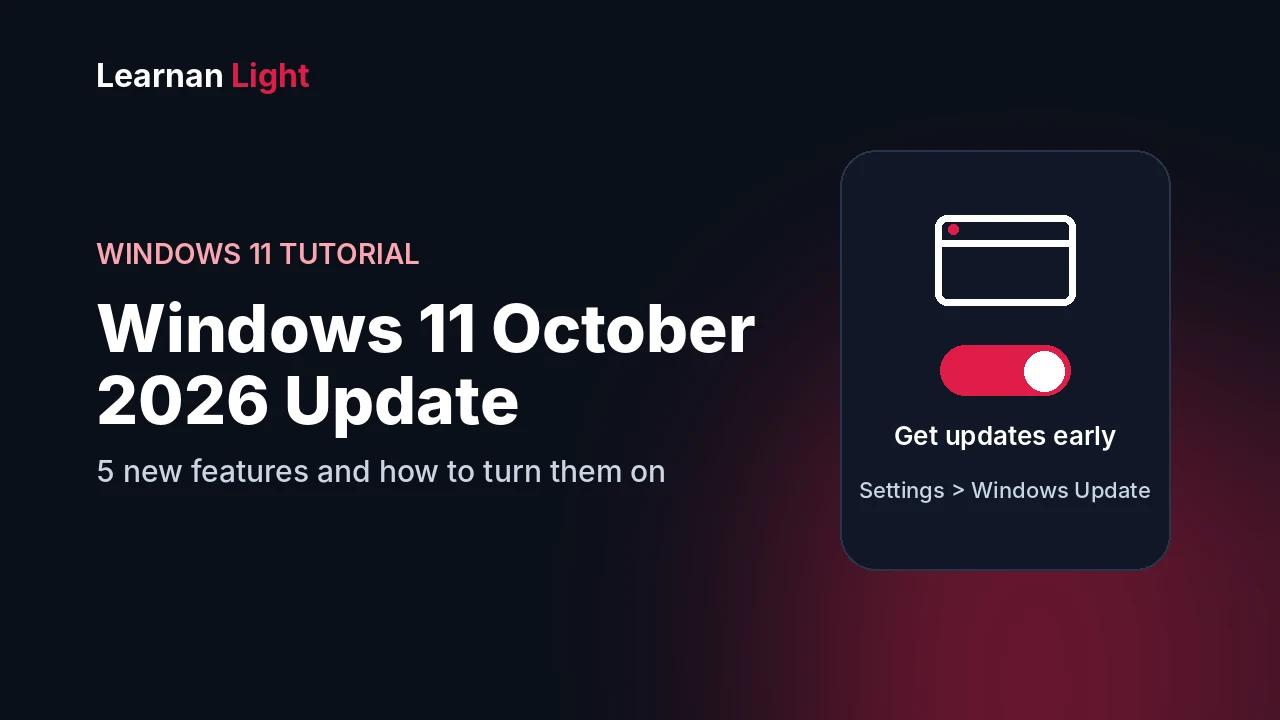
On October 13, 2026, Microsoft released the Windows 11 October update (KB5127648) for Windows 11 versions 24H2, 25H2 and 26H2. It installs automatically, but some features arrive gradually, so you may not see all of them on day one.
What you need to know in 10 seconds
- What: the Windows 11 October 2026 update, KB5127648
- Released: October 13, 2026 (Patch Tuesday)
- Installs through: Settings, then Windows Update
- Good to know: some features roll out slowly, so a missing option does not mean something is wrong
Step 1: Install the Update
- Open Settings, then click Windows Update
- Click Check for updates
- Let the update download and install
- Click Restart now when Windows asks
- Open Settings, then System, then About to check your build number
Want the features sooner?
In Settings, then Windows Update, turn on Get the latest updates as soon as they're available. This can bring new features to your PC earlier. Early features can still have small bugs, so skip this on a work PC you can't afford to break.
The 5 New Features Worth Trying
PDF preview in File Explorer
The Preview pane can show downloaded PDFs again. HTML files still show a warning first, and you can choose to preview them anyway.
Copilot key remapping
Have a Copilot key on your keyboard? Go to Settings, then Bluetooth & devices, then Keyboard and choose what the key does.
Open apps maximized
An accessibility option that opens apps maximized by default. Find it in Settings, then Accessibility, then Visual effects.
Better touchpad scrolling
Scroll with one finger from the edge of the touchpad. Find it in Settings, then Bluetooth & devices, then Touchpad. It works on precision touchpads only.
Tips widget
A new widget with short tips about Windows. Open the Widgets board, click Add widgets, and choose Tips.
If You Can't Find a Setting
Microsoft rolls these features out in stages. If an option is missing:
- Install all available updates, then restart your PC
- Turn on Get the latest updates as soon as they're available and check again
- Check that your PC supports the feature. For example, touchpad scrolling needs a precision touchpad
- Wait a few days. Some features reach different PCs at different times
Other Changes in This Update
- Camera roll backup: back up photos from your phone to OneDrive. It appears only for eligible users
- Bluetooth fixes: better audio and microphone behavior
- Desktop background fixes: more reliable wallpapers
- New emoji: the update adds Emoji 17.0
- Removed: PC-to-PC Migration is going away. Microsoft recommends Windows Backup instead
Should You Install It?
For most people, yes. It also fixes bugs, and keeping Windows updated is the safest choice. Before a big update, back up your important files, and keep your PC plugged in while it installs. On a work computer, check with your IT team first.
Frequently Asked Questions
When was the Windows 11 October 2026 update released?
Microsoft released it on October 13, 2026, as the October Patch Tuesday update (KB5127648).
Which Windows 11 versions get it?
Reports say it covers Windows 11 versions 24H2, 25H2 and 26H2.
Why don't I see the new features after updating?
Microsoft rolls some features out gradually. Restart your PC, install all updates, and try turning on "Get the latest updates as soon as they're available" in Windows Update.