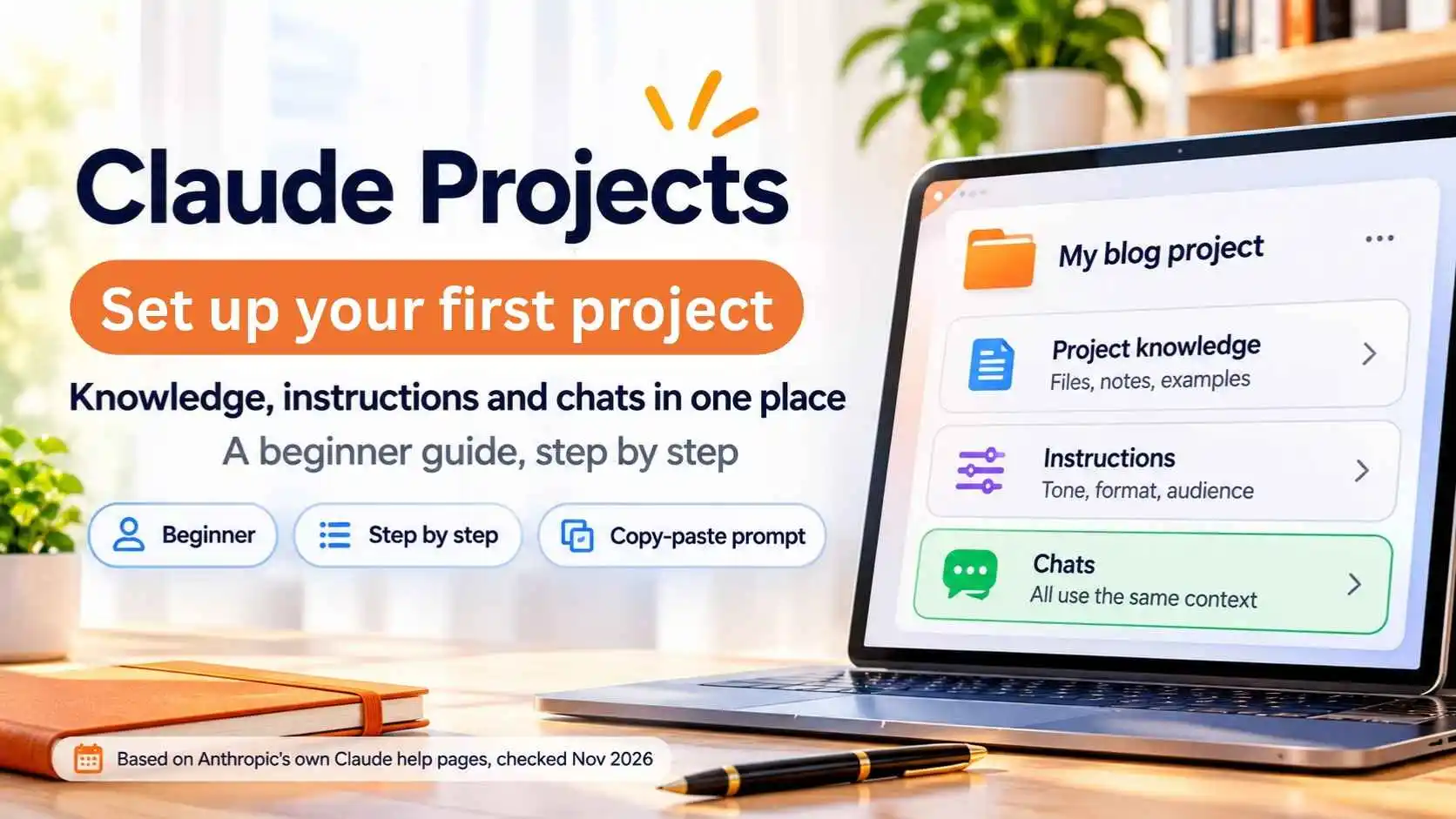
A project in Claude is a workspace for one topic or job. It holds your chats, the files you add (project knowledge) and your own instructions. Every chat you start inside it uses that same background. The steps below come from Anthropic's own help pages, checked on November 4, 2026. Menus change, so follow what you see on your screen.
The short answer
- What is a project? A workspace with its own chats, files and instructions
- Who can use it? Anthropic says Free accounts can create up to 5 projects. Paid plans may have different limits, so check your account
- Where? Projects in the left panel, or claude.ai/projects
- Best for: work you come back to, such as a blog, a client, a course or a job search
- Tip: one project per topic, with short and specific instructions
What Are Claude Projects?
Without a project, each new chat starts from zero. With a project, you add your background once, such as notes, examples or documents, and write instructions once. Every chat inside that project can use them. Anthropic says context is not shared across normal chats unless it is in project knowledge, so a project is the right place for anything you want Claude to keep in mind.
How to Create Your First Project
- Open Claude and click Projects in the left panel (or go to claude.ai/projects)
- Click + New Project
- Type a clear name and a short description. Anthropic notes that Claude cannot see the description, so it is only for you
- Create the project
How to Add Knowledge (Files and Notes)
Open your project and use the + button in the knowledge area to add files or text. Good things to add: your style guide, product details, example posts you like, a FAQ, or notes about your audience. Keep each file focused. A few clear documents work better than one huge dump. On paid plans, Anthropic says Claude can switch to retrieval automatically when a project gets close to the context limit, so you can add more.
How to Write Project Instructions
Click Set project instructions, write them, then click Save instructions. Anthropic's tip is to be specific. Say who you are, what the project is for, the tone you want and the format of the answers.
Copy-paste template:
This project is for [your goal]. My audience is [who they are]. Write in a [tone] tone with short sentences. Always give the answer in this format: [format]. Use the files in project knowledge as the source of truth. If something is missing, ask me before guessing.
Example for a blogger: This project is for my tech blog. My audience is beginners. Write in a friendly, clear tone. For every article idea, give a title, a 2-line summary and 3 headings. Use my style guide file as the source of truth.
How to Start Chats in a Project
Open the project and start a new chat inside it. That chat uses your knowledge and instructions automatically. If you already have a useful chat outside the project, open the chat menu and choose Add to project.
How Memory and Context Work
Anthropic says memory is on by default, and each project has its own memory, so what Claude remembers in one project stays separate from another. There is also a Use account memory toggle if you want to control that. Keep sensitive details out of project files unless you are comfortable storing them there.
Projects vs Skills
Projects
Background knowledge for one topic: files, notes and instructions. They say "here is what you need to know".
Skills
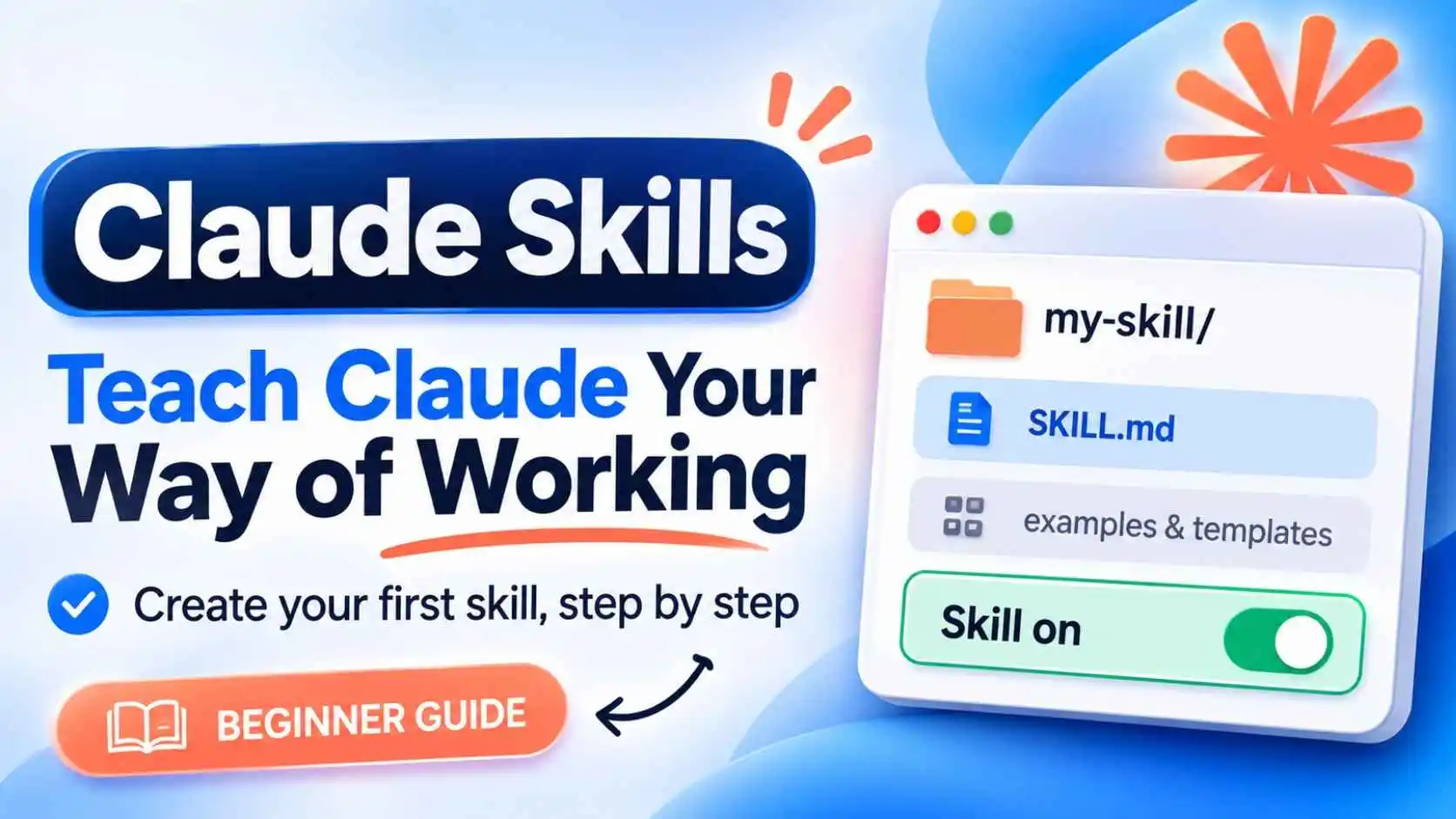
A repeatable method Claude uses when a task matches. They say "here is how to do it".
They work well together. Use a project for your blog's background and a skill for your blog SEO checklist. See our tutorial on how to use Claude Skills.
How to Star, Archive or Delete a Project
Open the ... menu on a project. You can star it to find it fast, archive it to hide it, or delete it. Anthropic says to unarchive a project before you delete it. Deleting cannot be undone, so download anything you need first.
Project Ideas for Creators and Freelancers
- Blog: style guide, audience notes and past articles
- Client work: brand rules, past emails and a project brief
- Course or tutorial: outline, lesson notes and common student questions
- Job search: your CV, target roles and a cover letter template
- Social media: content pillars, tone and best-performing posts
Keep Learning About Claude
New to Claude? Read our guides on Claude vs ChatGPT, Claude Skills and Claude Duet.
Frequently Asked Questions
What are Claude Projects?
A Claude Project is a workspace that keeps your chats, files (project knowledge) and instructions together, so every chat inside it uses the same background.
Are Claude Projects free?
Anthropic's help page says Free accounts can create up to 5 projects. Limits can change, so check your own plan.
How do I create a project in Claude?
Click Projects in the left panel, choose + New Project, add a name and description, then add knowledge and instructions.
What should I put in project instructions?
Say what the project is for, who the audience is, the tone and the answer format. Be specific, and tell Claude to ask if something is missing.
What is the difference between Claude Projects and Skills?
Projects give background knowledge for a topic. Skills give a repeatable method for a task. They can be used together.
Do project chats share memory with other chats?
Anthropic says each project has its own memory, and context is not shared across chats unless it is in project knowledge.
Can I share a Claude Project?
On Team and Enterprise plans, Anthropic says you can share a project with Can view or Can edit access. Check your own plan for options.